September 30, 2026
10 min
Dental AI agents can screen patient inquiries by treatment need, urgency, insurance, and location, handing your front desk only booking-ready leads.
February 6, 2026
8 min
Discover effective strategies and tools for modernizing your dental practice to enhance patient care and streamline operations.

If you’re running a dental practice, you’ve probably Googled some version of “how to modernize a dental practice”, not because you love buzzwords, but because you need a real, stepwise blueprint. Something that isn’t just abstract theory. This is a practical map: what to do, in what order, with concrete choices for technology, staff workflows, patient experience, billing systems, ROI expectations, vendor comparisons, rough equipment costs, compliance reminders, and a few templates to keep you from spinning your wheels.
Most dental practices aren’t looking to download a PDF and call it a day; they really want a plan that’s executable. They want to upgrade the nuts and bolts of their practice, clinical infrastructure, front-desk processes, insurance billing, without surreptitiously tanking patient experience or losing sight of what’s measurable. And if you do Invisalign, emergency dentistry, or any kind of smile makeover work, you know that picking the right practice management software isn’t just a checkbox, it’s about whether your backend and your billing actually talk to each other.
So, this isn’t a feature tour; it’s a set of choices that matter. That means picking practice management software that plugs into imaging and telehealth, enabling real-time eligibility and claim scrubbing so you don’t lose money to rejections, and reworking your billing process so patient payments and insurance work in happy tandem. Modern dental practices, dentists and hygienists alike, now need digital intake, cloud-based systems, and managed IT to keep protected health information safe and HIPAA on the right side of the law. This isn’t just IT for IT’s sake: it’s about making the machines serve clinical care, not vice versa. Expect vendor checklists, strategies that crank up the revenue cycle, and workable steps for tying practice management software into your marketing stack so that instead of vague “brand awareness” you see a straight line from Invisalign lead to payment.
Here’s the pitch in one breath: a practical roadmap, assessment, smart vendor selection (practice management, marketing/lead CRM), real-world equipment costs (scanners, sensors, CAD/CAM, telehealth), compliance (HIPAA, BAAs, CDT codes), timelines, and the actual KPIs that reveal if you’re moving the needle.
That’s not platitude: it’s a prioritized plan that turns the day-to-day of dental practice into something tractable. Your practice management software becomes the backbone that organizes care, aligns computers with clinical reality, rips the slow parts out of insurance, and shrinks the time from procedure to payment. Compare vendors with templates; connect an intelligent CRM (e.g. ConvertLens); and finally see whether that “online marketing” spend creates value or just wishful thinking.
Bundled in: a cloud-vs-on-prem cheat sheet, templates for mapping your billing process, training plans for hygienists embracing new workflows, and operational stats worth caring about, claims rejection rate, A/R days, lead conversion. This isn’t hand-waving about AI-enabled futures: it’s practical, and it’s measurable.
Typical timeframe: digital-first changes take 6–12 months with speed if you’re organized; big layout or equipment overhauls can push to 12–24 months for the brave or ambitious.
Building a modern dental practice is mostly integration, the best stack for you connects, updates itself, and ideally disappears. Cloud platforms kill off hardware headaches and forced upgrades, but on-prem sometimes still has a home (think Open Dental) for practices allergic to SaaS dependencies. Buy based on function and ROI, not whatever the rep is pushing this quarter.
Make integration the core criterion, your staff will thank you, your accountant will thank you, and most importantly, you’ll actually move faster.
Fixing revenue cycle isn’t about cleverness: automation + proper roles + tight integration. Modern offices rely on clearinghouses (DentalXChange, etc.) for eligibility at time of scheduling (prevents headaches) and seamless, rejected-proof submissions. Your billing process runs on rails, or it just creates more denials. Automation is best when you notice it because your headaches are gone, not because it’s a flashy dashboard.
Discipline builds a revenue cycle you can actually trust, automation keeps you focused on care, and the whole system is worth it when you spend Friday not catching up on claims.
For all the digital transformation hype, the patients and staff still matter most. A little modernization up front drives big lifts for satisfaction and collections. Modern dental isn’t just tech; it’s a new standard for how smoothly things run.
Q: How long does it take?
A: 6–12 months for digital, 12–24 for big physical and equipment upgrades. Lead times and surprises extend this more often than you’d expect.
Q: Is there a “best” practice management software?
A: No one-size-fits-all. It’s about size, cloud vs. on-prem, integrations, and price. Dentrix Ascend (cloud), Open Dental (on-prem) are common leaders. Push for details; insist on try-before-you-buy.
Q: What do scanners cost, really?
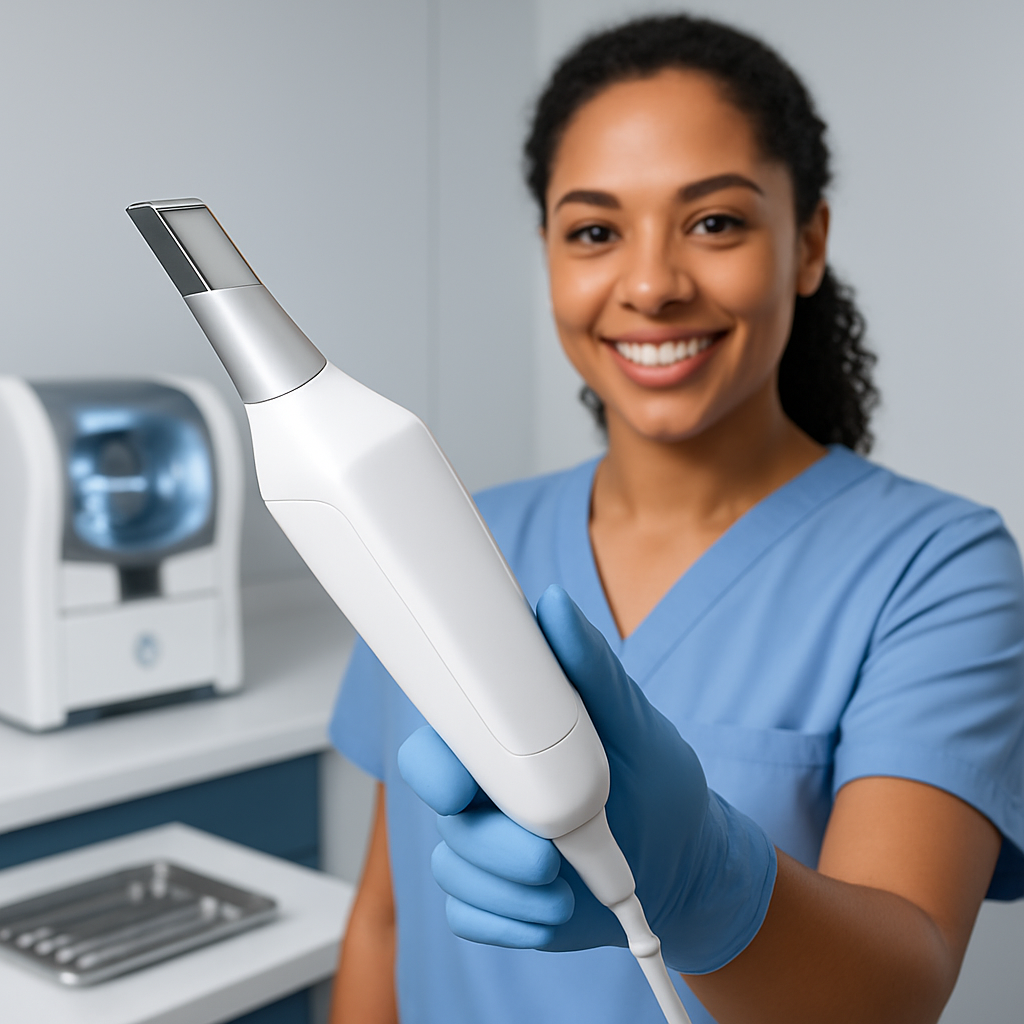
A: CEREC Primescan: $35–40k (with milling up to $70k), 3Shape TRIOS $26k, Medit i700 $20k, Aoralscan ~$11k. Prices bounce around by region and deals.
Q: Does modernization help insurance?
A: A resounding yes, real-time checks and scrubbing shrink denials, accelerate pay; if your system doesn’t do it, you’re leaving money on the table.
Q: How do I stay HIPAA compliant with cloud?
A: Get BAAs, insist on encryption in transit and at rest, use role-based access, check vendors’ incident response docs, weave in staff training; review risk at least annually.
Q: Is teledentistry profitable?
A: Use the right CDT codes. Payer behavior varies, some pay, some ignore these codes. Always document details, never assume reimbursement without confirmation.
Q: What’s the right marketing/lead platform?
A: Integration is first. ROI reporting, AI lead prioritization are nice, ConvertLens is a good benchmark. Demo, compare onboarding and pricing.
Modernizing your dental practice isn’t about chasing the next tech fad, but about using technology as leverage, so every clinician and staffer multiplies their effectiveness, patient experience improves, and your collections no longer depend on putting out daily fires. Clinical and financial success, finally aligned.



September 30, 2026
10 min
Dental AI agents can screen patient inquiries by treatment need, urgency, insurance, and location, handing your front desk only booking-ready leads.

September 27, 2026
8 min
See the 10 key KPIs dental practices should track for AI receptionists, including call resolution, booking rates, cost per appointment, and ROI.

September 24, 2026
6 min
An AI receptionist checks real-time schedules, matches providers and rooms, and confirms before updating, helping dental practices reschedule appointments without double-booking.
Sign Up Now & Someone from Our Team Will Be in Touch Shortly!
Use the form below to send us a message, and we’ll get back to you as soon as we can.
.webp)
Track every marketing dollar and optimize patient conversions with ConvertLens. Gain valuable insights from your campaigns, ensuring you never miss a potential patient. Maximize ROI and grow your practice effortlessly.
-p-500.webp)