September 30, 2026
10 min
Dental AI agents can screen patient inquiries by treatment need, urgency, insurance, and location, handing your front desk only booking-ready leads.
December 17, 2025
8 min
Explore the differences between predictive analytics and historical reporting in dental practices to optimize your decision-making and grow your business.
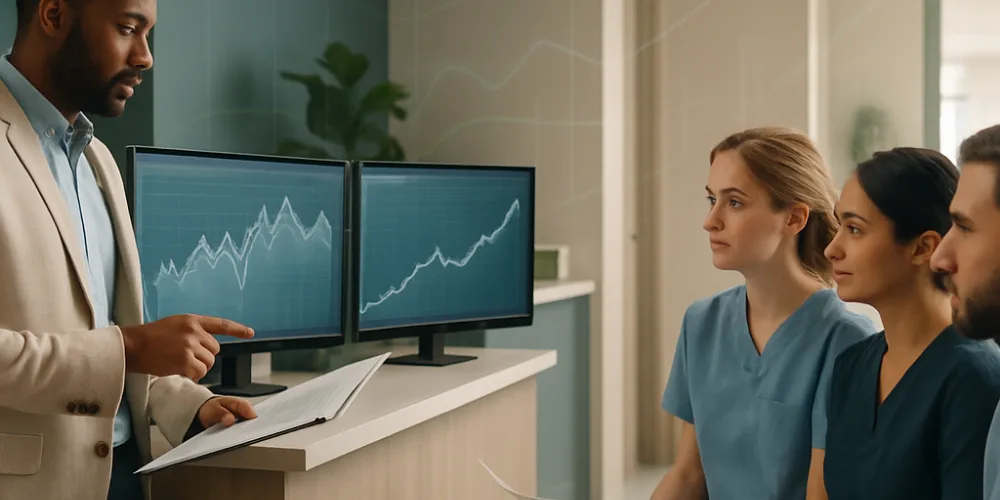
If you're running a dental practice or managing a DSO, you have two basic analytics paths: predictive models (future-facing, data-hungry, action-driving) or tried-and-true historical reporting (auditable, descriptive, reliable). This essay is for people who have to decide where to invest time and attention. I'll lay out what each actually means for a working dental business, where each shines or flops, and how you can run a low-pain experiment to choose your direction. I’ll use real dentistry software, such as ConvertLens, to illustrate tradeoffs, not just abstractions. The gist: if you’re just keeping the lights on, reporting is table stakes. If you want to shape what happens next, fill chairs, grow, optimize, it pays to forecast.
Predictive analytics/forecasting: These are not magic, but software models that learn from all your old data, the appointments, the bills, even the missed texts, and generate educated bets about what’s likely to happen. How likely is a patient to no-show? What will Dr. Fisher’s chair look like in September? You get the idea. The goal: surface risks and nudge people to act before the numbers are in.
Historical reporting: This is what you’re already doing: dashboards that count up the work you’ve done, production, denials, cancellations, new patient numbers, marketing spend by source. Historical reporting is fundamentally about knowing “what happened,” policing compliance, and keeping your house in order.
Our Thesis: You can't make great decisions without clear historical data: it's the floor, your reference. But when you’ve got reliable data and a hunger to grow or run lean, predictive analytics start to matter. Simply put: a three-chair practice may be fine tuning process and mining existing reports, while a scaling DSO with a six-figure marketing budget will hit a ceiling without forecasting patient flow and revenue. You match the tools to the ambition.
Case in Point: I'll show how vendors like ConvertLens (mixing dashboards, a lead CRM, and real marketing attribution) illustrate these distinctions in practical terms, because most practices are buying features, not academic models.
Forget jargon. Here are four points where the rubber meets the road:
Let’s see what these tools actually do for day-to-day practice, with some real numbers and working tactics. In each case, first, the problem; then, what’s possible through traditional reporting; finally, where predictive approaches actually alter the game. These are not “what-ifs”, they’re the results clinics and software vendors report.

The Real Problem: If you’re running at even average no-show rates (about 15% in dentistry), you’re losing six-figures a year at scale. Every empty slot erodes provider productivity.
What You Can Do With Reports: Find patterns, certain days, certain providers, certain patients, and either overbook or tweak policies post hoc. It’s mostly whack-a-mole.
Prediction in Action: Proper models (and published studies back this; see the NPDB analysis tool) can push no-show risk scores per appointment with AUCs of 0.72-0.83, F1s to the 80s. You use the score: fire more urgent reminders, compress the book for at-risk patients, or let front desk offer backup slots before a loss. These are not trivial. Multi-channel reminders attached to model-driven targeting can reduce no-shows by 10–70%, depending on your baseline. Even automating scheduling and reminders gives a 29% improvement.
Get it in the Workflow: The scores need to go back into your PMS/CRM in real time, not a separate dashboard. Most decent vendors now offer this. Show this in your deck: a before/after schedule map and a simple ROC curve showing model discrimination.
The Real Problem: Patients that lapse are lost opportunity, disrupting forecasts and damaging LTV.
With Only Reports: You see aggregate drop-offs and can break recall rates down by provider or outreach campaign, but action is broad, not targeted.
If You Predict: LTV and churn models find those high-value lost patients, helping you prioritize outreach, dial in marketing channels, or set up recall prompts. Vendor and academic sources cite 20–30% increases in case acceptance and engagement through smart targeting.
Graph It: Funnel of lapsed cohorts, predicted LTVs, and reactivation rates by effort.
In Practice: Models you can run today: no-show scoring, LTV/churn risk, lead-to-appointment conversions, and revenue forecasts. They tie directly to your PMS and are actionable at the front desk or in marketing ops, not just theoretical. If a tool can't feed results into your real workflow, pass on it.
Everyone likes the “let’s use AI” pitch, but making predictive analytics more than a press release takes discipline. Here’s your short checklist for not getting burned:
The short answer: yes, if you implement with discipline and the right team/vendor. Here’s what’s been measured, in studies and market pilots:
Calculate your own ROI: one table, what's an appointment worth, what's your current no-show rate, what’s a 5–15% reduction worth, how much admin time could you save? The answer is always more concrete than you expect. Show this side-by-side with a time-series of actual vs forecast for real-world skepticism.
The template:
How to Pilot Without Drowning: (60–90 days is enough, with 4–12 weeks to set up):
Ready to Act: Practical Next Steps Ask for a real demo or limited-scope pilot; try out a marketing+CRM+analytics platform (such as ConvertLens or competitor) head-to-head, and demand true ROI tracking. If you don’t see measurable impact, keep shopping.
Q: What's the real difference for a dentist?
A: Historical reporting tells you how you did, predictive analytics tell you what will probably happen next, and what to do about it.
Q: Will this replace my reports?
A: Never. Reports are the hygiene factor: billing, compliance, validation. Predictive layers give you forward scores, not replacements.
Q: How much data do I need to get started with prediction?
A: At minimum, a few months of clean PMS/EHR scheduling plus outcomes, RCM, and leads. Published models used hundreds of thousands of rows for accuracy, but small pilots can begin with a fraction if you’re careful.
Q: Are dental predictive models accurate?
A: Most published models for no-shows hit AUCs between 0.71–0.83 and F1 from 60s to upper 80s. Feature selection matters, and match to your data is more important than raw numbers.
Q: How long until I see ROI from a pilot?
A: Many vendors and pilot clinics measure uplift in 3–6 months. Longer programs (e.g., 9 months) keep showing incremental improvements and more confidence in projections.
Q: Are these tools safe for HIPAA and easy to fit into my tech?
A: Only work with vendors who sign a BAA, can prove HIPAA hosting, and talk APIs or robust PMS integration. Half-measures create more headache than value.
Q: What key metrics should I track?
A: At minimum: no-show %, recall compliance, case acceptance, provider production, claim denials, lead conversions, and forecast accuracy. Pick 2–3 to watch for any pilot.
Q: Where do I try integrated marketing and prediction tools?
A: Insist on a demo or try-out from a stack combining lead CRM, ROI evidence, and PMS integration, ConvertLens is one player, but compare it head-to-head.



September 30, 2026
10 min
Dental AI agents can screen patient inquiries by treatment need, urgency, insurance, and location, handing your front desk only booking-ready leads.
September 27, 2026
8 min
See the 10 key KPIs dental practices should track for AI receptionists, including call resolution, booking rates, cost per appointment, and ROI.
September 24, 2026
6 min
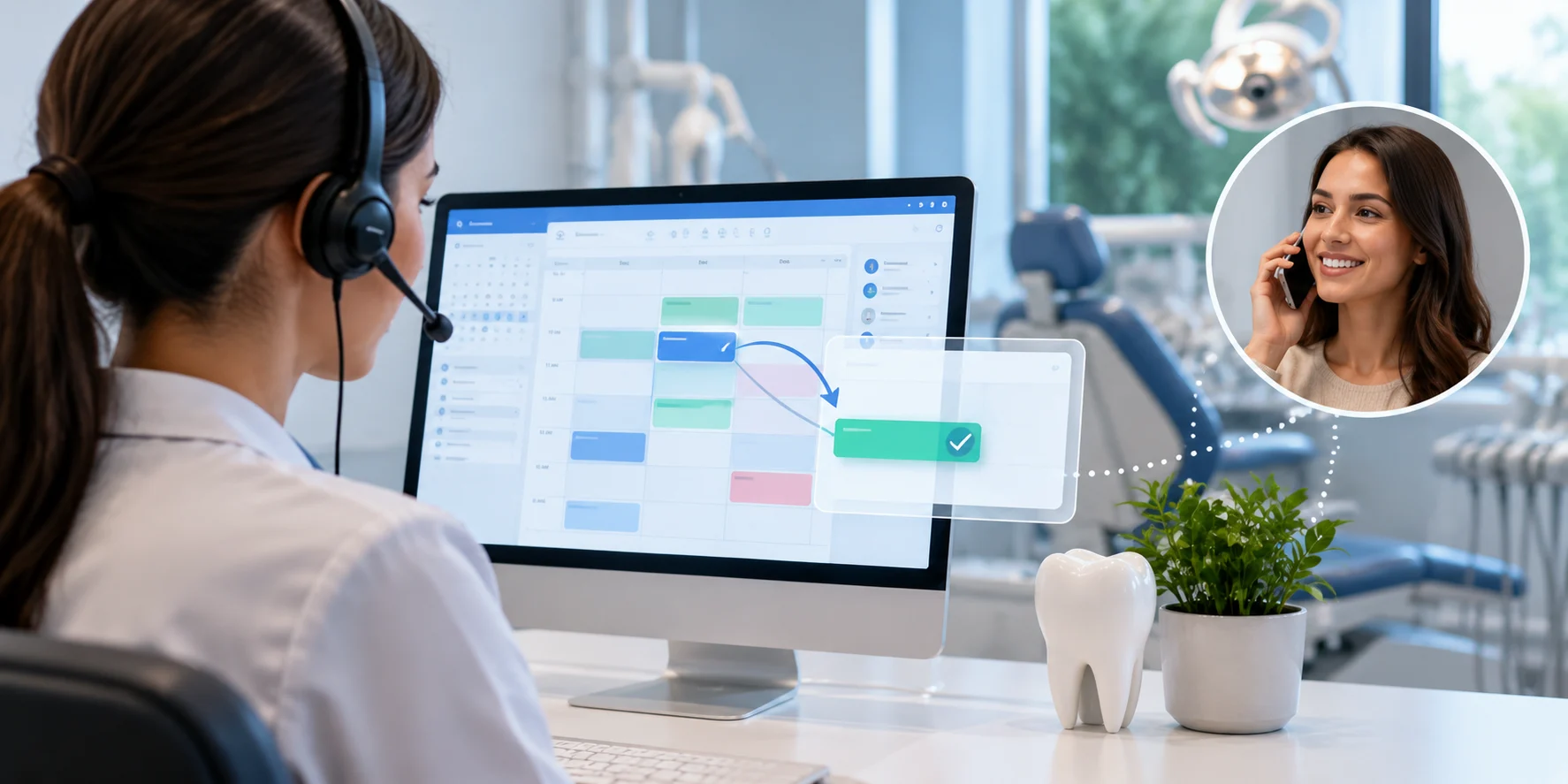
An AI receptionist checks real-time schedules, matches providers and rooms, and confirms before updating, helping dental practices reschedule appointments without double-booking.
Sign Up Now & Someone from Our Team Will Be in Touch Shortly!
Use the form below to send us a message, and we’ll get back to you as soon as we can.
.webp)
Track every marketing dollar and optimize patient conversions with ConvertLens. Gain valuable insights from your campaigns, ensuring you never miss a potential patient. Maximize ROI and grow your practice effortlessly.
-p-500.webp)