September 30, 2026
10 min
Dental AI agents can screen patient inquiries by treatment need, urgency, insurance, and location, handing your front desk only booking-ready leads.
January 16, 2026
9 min
Discover how outdated dental software drains your practice's profits and learn simple solutions to plug those financial leaks.

If you run, manage, or even just care about a dental practice’s finances, this is for you. Here’s a brutally practical, number-heavy inquiry into what legacy dental software does to your margins, why it amplifies mistakes, creates admin drag, multiplies downtime, and invites security disasters. More importantly, how simply switching to new tools, especially on the cloud, doesn’t just patch these leaks but flips them into recurring gains, with math to back it up.
Old dental software is expensive in all the wrong ways. It increases claim denials and forces resubmissions, soaks up staff time in filling gaps the machine leaves, increases your risk of downtime (and worse, security debacles), and quietly wastes your marketing spend. Modern dental software, especially well-integrated, born-on-the-cloud platforms, gets you the polar opposite: fewer denials, less money tied up, lower support overhead, and new revenue from sharper marketing and analytics.
We’ll first take a sharp look at industry metrics, where the big dollar drains show up. Next, we’ll walk through how exactly revenue evaporates and how to measure what a fix is worth. We’ll do a quick tour through concrete cases, break down checklists for getting from old to new, and finish with ultra-concise Q&A directed at leaders or owners who need to make decisions fast.
The numbers tell their own story. Claim denials, how long you wait for money (DSO), downtime per chair, and the cost per new patient—these aren’t just abstract KPIs; they’re your daily, weekly, and monthly cash flow. Old systems sandbag you on all of them. Start with a table like the one above and you’ll spot the shortfalls: higher denial rates, slower money, lost hours, and higher cost per lead. If you want to know what to fix first, these are the early warning alarms, especially when viewed alongside top KPIs for dental practice performance.
Denial rates in dentistry run 5–15% (and that’s if you’re “normal”). DSO, the industry likes below 30 days. Customer acquisition costs often climb past $200 per patient; an hour of lost chair time is $562 to $875. Add these up directly and it leads you straight to where old tech really siphons money from your practice, not just by small amounts, but in ongoing streams. Understanding patient acquisition cost in dental marketing is critical here, because outdated systems inflate it silently.
This is the real use of dashboards, not dashboards that just look pretty, but ones that let you combine management, scheduling, and lead marketing into one set of numbers. A cloud-first setup lets you minimize outages, automate eligibility checks, and react to leak patterns as soon as they appear. For DSOs, you’ll want weekly metrics; smaller offices, monthly. Modern tech makes this possible through unified data dashboards for clinics that connect financial, operational, and marketing signals.
Let’s be specific. This is not just software nostalgia. Here’s a breakdown, point by point, with context and benchmarks, of how your old technology quietly eats into your revenue.
In brief: The killer feature of today’s “intelligent” dental software is not a prettier UI; it’s connection. PMS, dashboards, and integrated lead CRM all pipe real data through the workflow, letting you plug leaks immediately rather than infer them months later.
Modeling payback is practical, not mystical. Your total cost of ownership (TCO) and return on investment (ROI) aren’t just licenses; they’re hardware, staff training, support, and the delta of measurable savings (fewer denials, admin time, downtime, and the lift from better marketing or conversions). Build pessimistic and optimistic cases for every factor instead of defaulting to vendor white papers. This is where marketing ROI analytics for dental practices become essential for decision-makers.
Short sketches from the real world; these are not isolated edge cases.
Case 1: Multi-Location DSO
A large group standardized everything on a modern cloud PMS. They automated eligibility checks and consolidated denial handling.
Case 2: Small Independent Office
Moved to a cloud PM suite with auto-reminders/scheduling.
Case 3: Avoided Disaster
Switched to cloud with managed patching and redundancy.
Case 4: Marketing Done Right
Connected PMS to AI-driven lead CRM (ex: ConvertLens).
Prioritization is everything. Here’s how to walk your practice from quick fixes to full transformation, risk-aware from day one.
Q: How much extra can I realistically recover?
A: Even small improvements in denial rates and efficiency routinely yield ~5% bumps (sometimes more). When you also improve lead-to-patient conversion (raising it from a typical 40-50% to 60%+), payback on software can come in under a year, sometimes months.
Q: Will modern tools actually make denials zero?
A: No. But they take out the avoidable ones: miscoding, missing fields, eligibility errors, and most of the ~5–15% industry average. Single digits is a realistic goal, not perfection.
Q: Is cloud necessarily safer?
A: Only if you do due diligence. Good cloud platforms do patching and redundancy better than in-house, but you must demand HIPAA, solid encryption, real incident response, and signed BAAs.
Q: Any hidden costs if I stay put?
A: More labor, more denial cycles, a lengthier DSO, lost operatory time (>$500/hr), wasted marketing, and a fat security risk. IBM’s $9.77M average breach is the biggest risk you can’t see…until you do.
Q: How do I track software ROI?
A: Benchmark denials, DSO, admin hours, operatory production, and uptime, before and after. If you add lead/marketing analytics, monitor lead flow, conversions, and spend per acquired patient.
Q: How long will changing systems take?
A: Small practices are often “done” in 30–90 days. DSOs or multi-location rollouts, may take 3–9 months for staged migration with parallel ops.
Q: Can my new system speak to all my old tools (imaging/EHR)?
A: Usually yes, but expect to map, test, and tweak for real. HL7/FHIR APIs exist but require implementation muscle.
Q: If denials spike suddenly, what next?
A: Reclassify denial reasons, double-check patient data and eligibility, stop repeat mistakes right away, and talk to both payer and software support for diagnosis. Check also for any recent changes in intake or routing that dumped bad data into the system.
Legacy dental software is really a revenue leak, not a technical inconvenience. Every extra claim denied, every unnecessary wait for payments, every hour in lost chair time or staff inefficiency, and every penny wasted on untraceable marketing spend all compound, stealthily, against your bottom line. The flip side: modern, well-integrated software (cloud-first, with real imaging/EHR connections and an intelligent CRM) lets you plug those leaks, recover dollars, and regain momentum. Don’t just buy whatever promises “cloud.” Use the roadmap and metrics in this essay to actually measure value, compare vendors for their real capabilities (especially marketing/lead CRM and interoperability), and keep slicing unproductive costs out of the business. Survival in this business, it turns out, is just a matter of paying attention to where the money leaves and where new software finally lets you keep it.



September 30, 2026
10 min
Dental AI agents can screen patient inquiries by treatment need, urgency, insurance, and location, handing your front desk only booking-ready leads.

September 27, 2026
8 min
See the 10 key KPIs dental practices should track for AI receptionists, including call resolution, booking rates, cost per appointment, and ROI.
September 24, 2026
6 min
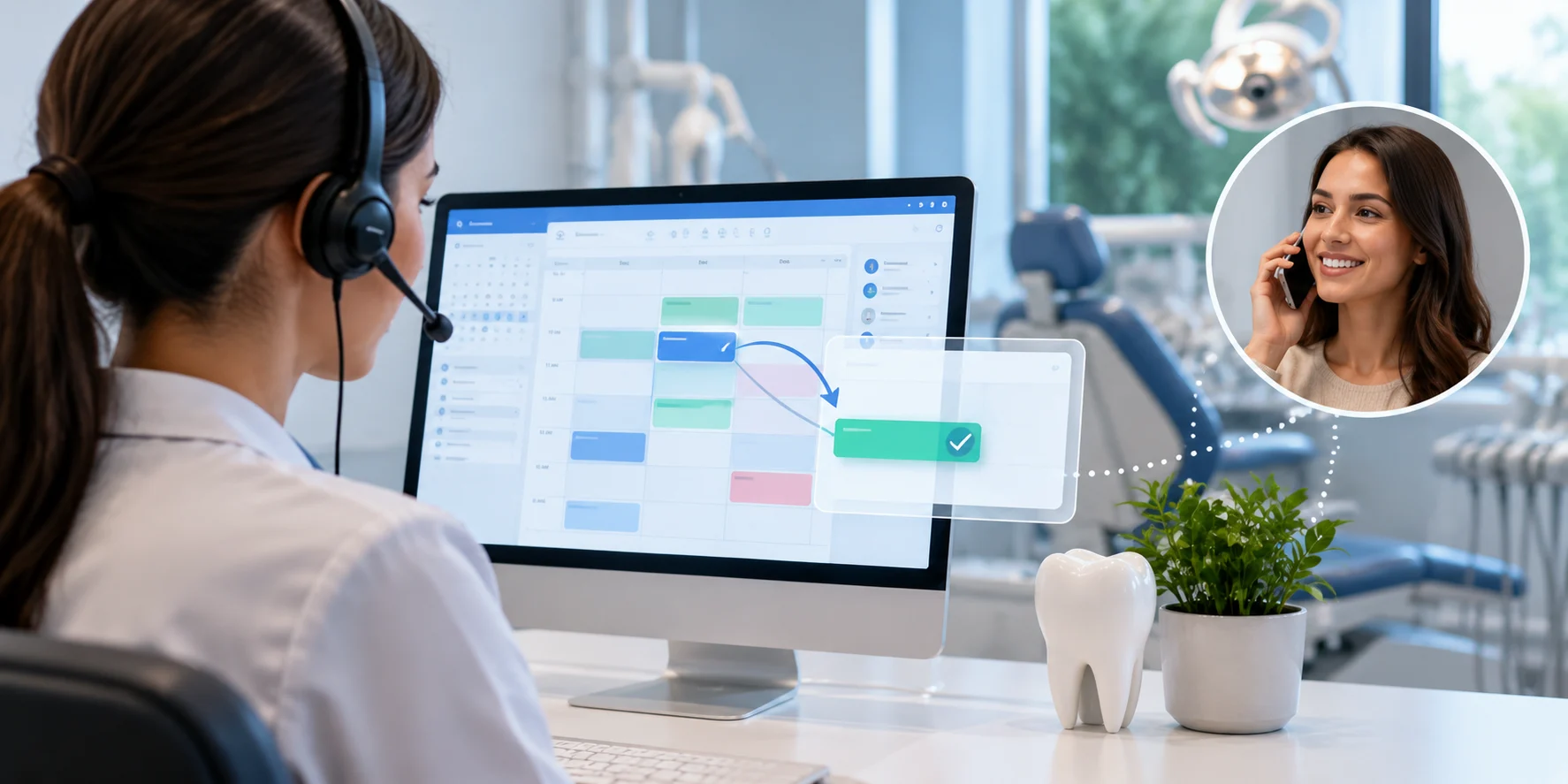
An AI receptionist checks real-time schedules, matches providers and rooms, and confirms before updating, helping dental practices reschedule appointments without double-booking.
Sign Up Now & Someone from Our Team Will Be in Touch Shortly!
Use the form below to send us a message, and we’ll get back to you as soon as we can.
.webp)
Track every marketing dollar and optimize patient conversions with ConvertLens. Gain valuable insights from your campaigns, ensuring you never miss a potential patient. Maximize ROI and grow your practice effortlessly.
-p-500.webp)