October 22, 2026
7 min
What to fix before spending more on dental marketing: front desk leaks, website conversion, local SEO, reviews, and patient recall gaps.
April 18, 2026
3 min
Discover how dashboard automation helps dental practice managers save time, eliminate manual reporting, and make faster, data-driven decisions for better growth.

If you're managing a dental practice, you already know how chaotic your day can get—patient flow, staff coordination, marketing performance, revenue tracking… it never stops. We have worked with multiple dental practices where managers spent 2–3 hours daily just pulling reports from different tools—Google Ads, PMS, call tracking, social media, spreadsheets. That’s when we introduced dashboard automation and the shift was immediate. Instead of chasing data, they started acting on insights.
Dashboard automation is the process of automatically collecting, organizing, and visualizing data from multiple sources into a single, real-time dashboard. Think of it like your practice command center, instead of checking 5–6 different systems, everything you need is displayed in one place, updated automatically.
Let’s be honest—manual reporting is exhausting.
Here’s what most practice managers do every week:
This process is:
According to a report by McKinsey & Company, automation can reduce repetitive tasks by up to 30–40%, freeing up time for higher-value work.
With an automated dashboard, data flows directly from:
No more downloading CSVs or copying numbers.
Time saved: 5–7 hours/week
Traditional reports are outdated the moment they’re created.
A marketing automation dashboard updates in real-time, so you always know:
You stop reacting late and start acting instantly. If you're unsure how to interpret these insights, learning how to read performance dashboards effectively can help you turn raw numbers into actionable decisions.
Without automation:
With an automation dashboard, everything is in one place. This becomes even more powerful when using unified data dashboards for clinics, where all systems are connected into a single source of truth.
This reduces:
An automated KPI dashboard solution tracks your most important metrics like:
Instead of calculating KPIs manually, the system does it for you. You instantly know what’s working and what’s not. To go deeper, many practices also use dashboards to track patient engagement metrics, ensuring both marketing and patient experience stay aligned.
When data is clear and available:
For example:
If your dashboard shows:
Decisions that used to take weeks now take minutes. However, it's important to remember that dashboards alone aren’t enough, contextual intelligence in dashboards ensures that the data actually tells a meaningful story.
We implemented a marketing automation dashboard for a multi-location dental practice.
Before automation:
After automation:
The biggest change? The practice manager finally had time to focus on patient experience instead of spreadsheets. Many of these improvements were also supported by having a structured lead management system in place to track and convert incoming patient inquiries more efficiently.
A high-performing automated dashboard should include:
To be fair, dashboard automation isn’t perfect.
You need to:
But this is a one-time investment.
If your tools aren’t properly connected:
Solution: Work with experts or use reliable tools.
A cluttered dashboard defeats the purpose. Keep it focused on actionable KPIs only.
To get the most out of your dashboard automation, follow these:
The dental industry is becoming more competitive. According to insights from American Dental Association:
Automation dashboards make this possible without adding workload.
If you’re still relying on manual reporting, you’re not just losing time, you’re losing opportunities. Dashboard automation transforms your role from “data collector” to “decision maker.”
In short, less reporting, more growth
What is dashboard automation in simple terms?
Dashboard automation is a system that automatically collects and displays data from multiple sources in one place, so you don’t have to manually create reports.
How much time can dashboard automation save?
Most practice managers save 10–15 hours per week by eliminating manual reporting and data collection tasks.
What is a marketing automation dashboard?
A marketing automation dashboard shows real-time performance of campaigns (leads, cost, ROI) without needing to log into multiple platforms.
Are automated dashboards expensive?
Costs vary depending on tools and customization, but the time saved and improved ROI usually outweigh the investment.
Can small dental practices use dashboard automation?
Yes. Even single-location practices benefit from automated KPI dashboard solutions by simplifying tracking and improving decision-making.



October 22, 2026
7 min
What to fix before spending more on dental marketing: front desk leaks, website conversion, local SEO, reviews, and patient recall gaps.

October 22, 2026
10 min
A guide to nurturing dental price shoppers: why they go quiet, how to explain costs clearly, and how to turn enquiries into booked consultations.
October 17, 2026
8 min
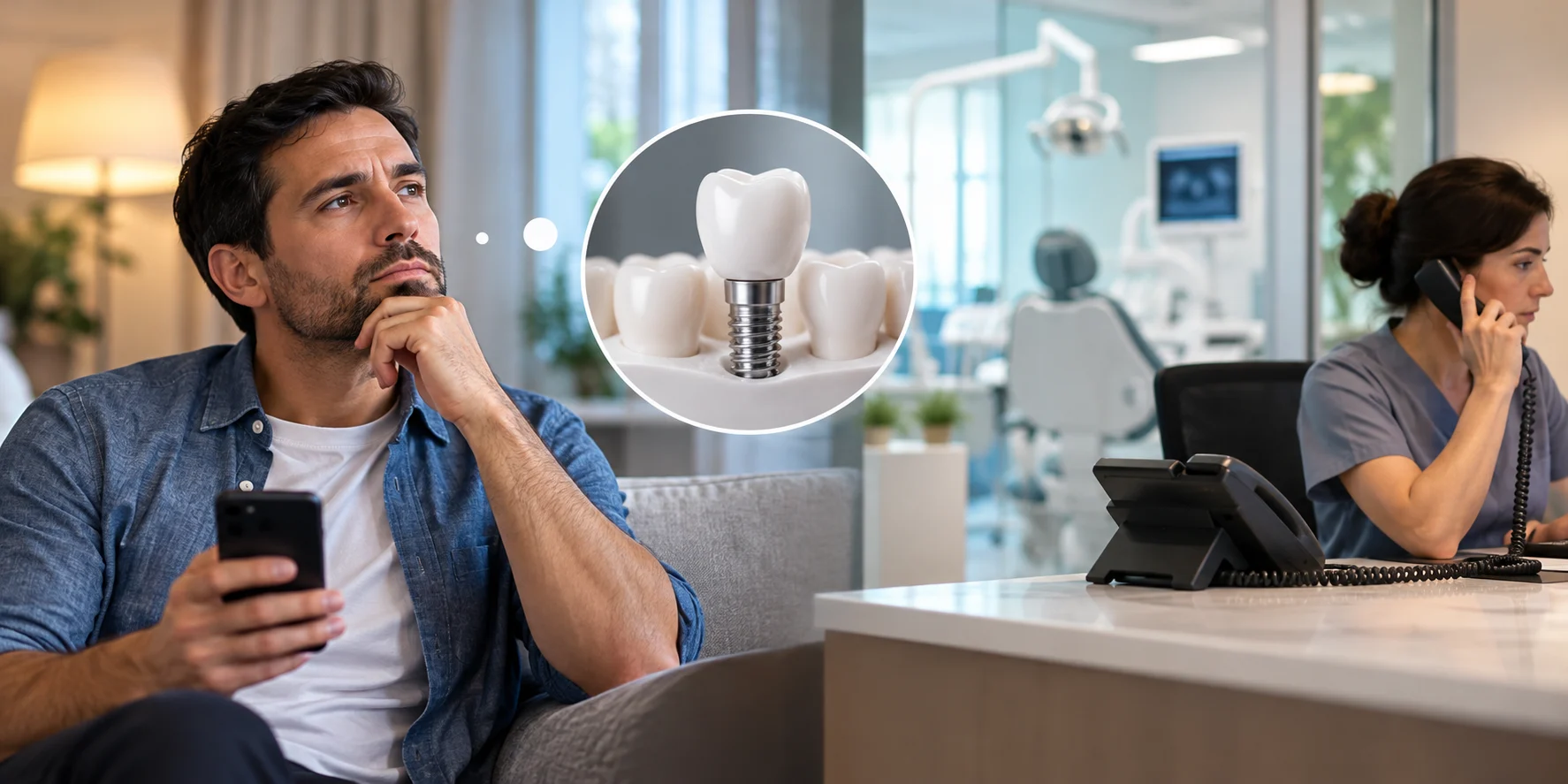
Why dental implant leads go quiet after the first call, what causes it, and how practices can follow up to recover the lead and book the consult.
Sign Up Now & Someone from Our Team Will Be in Touch Shortly!
Use the form below to send us a message, and we’ll get back to you as soon as we can.
.webp)
Track every marketing dollar and optimize patient conversions with ConvertLens. Gain valuable insights from your campaigns, ensuring you never miss a potential patient. Maximize ROI and grow your practice effortlessly.
-p-500.webp)