October 28, 2026
8 min
How traditional voicemail loses new dental patients, and what a reliable call-handling system looks like instead.
July 31, 2026
8 min
Compare leading reputation management software for dental practices, including key features, pricing, integrations, and recommendations based on practice size and needs.

If you run a dental practice, you already know how much your reputation matters. When you're a single-location practice, keeping track of patient feedback can feel manageable. You see the reviews coming in, your front desk hears common complaints, and you have a good sense of what patients think.
But as your practice grows, managing your online reputation becomes much harder. Reviews start appearing across Google, Facebook, healthcare directories, and social platforms. Patient feedback gets spread across different channels, making it difficult to understand the full picture.
Even when you do monitor everything, responding quickly and thoughtfully to every review takes time. A missed negative review, a delayed response, or a pattern of patient concerns going unnoticed can slowly impact trust and future bookings.
Fortunately, there's a better way to manage it all. The right reputation management platform helps dental practices collect reviews, monitor patient feedback, strengthen their online reputation, and uncover insights that improve the patient experience.
In this comparison, we'll look at:
• The best reputation management software options for dental practices
• What features actually matter when choosing a platform
• Which tools are best suited for solo practices, DSOs, and multi-location groups?
• How each solution compares in terms of functionality and value
Dental reputation management software automates three core tasks:
The best tools integrate directly with your practice management system, so a review request is sent automatically the moment a patient's appointment is marked as complete. No one on your team has to remember to send it manually.
Some platforms focus purely on reputation management. Others bundle review management into a broader patient communication platform that also includes appointment reminders, two-way texting, online scheduling, recall campaigns, and even phone integration. Which type you need depends on what you're trying to improve: more reviews, fewer no-shows, better patient communication, or all of the above.
Not every feature vendors advertise is worth paying for. Here's what genuinely matters for a dental office specifically.
It's worth separating this list from the features that sound impressive on a sales call but rarely move the needle for a typical practice. "Monitoring across 200+ review sites" sounds thorough, but in practice, most dental patients only ever check three or four places: Google, Facebook, Healthgrades, and occasionally Yelp. A tool that spends its energy tracking dozens of directories nobody in your market actually uses isn't adding value; it's adding noise to your dashboard. Similarly, elaborate AI sentiment-analysis suites with location-level heat maps are genuinely useful for a 40-clinic DSO trying to spot a struggling location, but they're unnecessary overhead for a two-doctor practice that just wants a steady flow of honest Google reviews and a fast way to handle the occasional complaint.
The features worth prioritizing are almost always the boring, operational ones: does the review request actually go out every single time, without anyone remembering to trigger it, and does an unhappy patient get routed to a phone call instead of a public post? Everything else is a bonus.
Once you've got a shortlist, run every platform through the same checklist:
Here's how the platforms most commonly discussed in dental circles actually compare.

These three come up constantly in dental buying conversations, so they deserve a direct side-by-side.
Birdeye: Birdeye is the most feature-dense option of the three. It covers review generation, listings management across a wide range of directories, AI-assisted responses, and competitor benchmarking. For a large DSO trying to standardize reputation across dozens of locations, having all of that centralized is genuinely useful. For a single-location practice, it's usually more platform and more cost than necessary.
Podium: Podium leans into messaging first and reviews second. Its real strength is the unified inbox that combines SMS, webchat, and payments alongside review requests. If your front desk is already drowning in calls and texts and you want one screen to manage all of it, Podium solves that problem well. If reviews are genuinely your only pain point, you're paying for a lot of extra machinery.
Doctible: Doctible Reviews sits in a different category entirely. It's built specifically for healthcare practices that want solid, automated review generation without the enterprise price tag or the messaging bloat. For a solo dentist or a two- to three-location practice whose main goal is simply "get more Google reviews, consistently, without extra staff work," Doctible is usually the more proportional choice.
In short: Birdeye for scale, Podium for communication-heavy front desks, and Doctible Reviews for practices that want reputation management done well without paying for features they'll never touch.
Cost alone is often enough to separate these three. Birdeye typically costs $299 to $449 per location each month, with onboarding fees often added. Podium sits in a similar or slightly higher price range once messaging features are included. Doctible Reviews is considerably more affordable, making it a much better fit for solo and small group practices. If you're running a single practice, don't let an enterprise demo convince you to pay for features built for a business ten times your size.
Feature lists only tell half the story. The other half is choosing a platform that fits how your practice actually operates every day. Here's a more practical breakdown by practice type.
A lean, review-first tool like Doctible Reviews, DemandHub, or ReviewWave is usually the right fit. They offer simple setup, lower monthly costs, and no lengthy enterprise onboarding process. The priority here is consistency, making sure every patient automatically receives a review request after their appointment without anyone on your team having to remember to send it.
Reputation quality matters just as much as quantity here because cosmetic patients usually research much more before committing than someone booking a routine cleaning. They're often comparing your practice with several others in the same area. RevenueWell or Doctible Reviews, combined with strong before and after photos and detailed patient testimonials, work particularly well for this audience.
Patients considering implants, full mouth rehabilitation, or sedation dentistry spend a lot of time reading reviews before booking a consultation because the financial and emotional investment is much greater. Platforms like Birdeye or Swell help practices manage reviews consistently and respond professionally to both positive feedback and occasional pricing concerns.
This is where Birdeye, Swell, or Reputation.com genuinely justify their cost. Centralized dashboards, location-level reporting, and the ability to monitor performance across multiple clinics become extremely valuable once you're managing several locations.
A newly opened practice usually doesn't need an enterprise platform straight away. DemandHub or ReviewWave provides an affordable starting point with simple SMS review requests, helping you steadily build your online reputation while keeping monthly costs under control.
If your front desk is handling a high volume of calls, patient messages, insurance enquiries, and appointment scheduling every day, Weave or Podium can simplify those workflows by bringing everything together into one inbox instead of requiring your team to switch between multiple systems.



October 28, 2026
8 min
How traditional voicemail loses new dental patients, and what a reliable call-handling system looks like instead.

October 28, 2026
8 min
Six ways dental practices can handle phone and text cancellations, fill the gap, and turn cancellations into rebooked appointments.
October 28, 2026
9 min
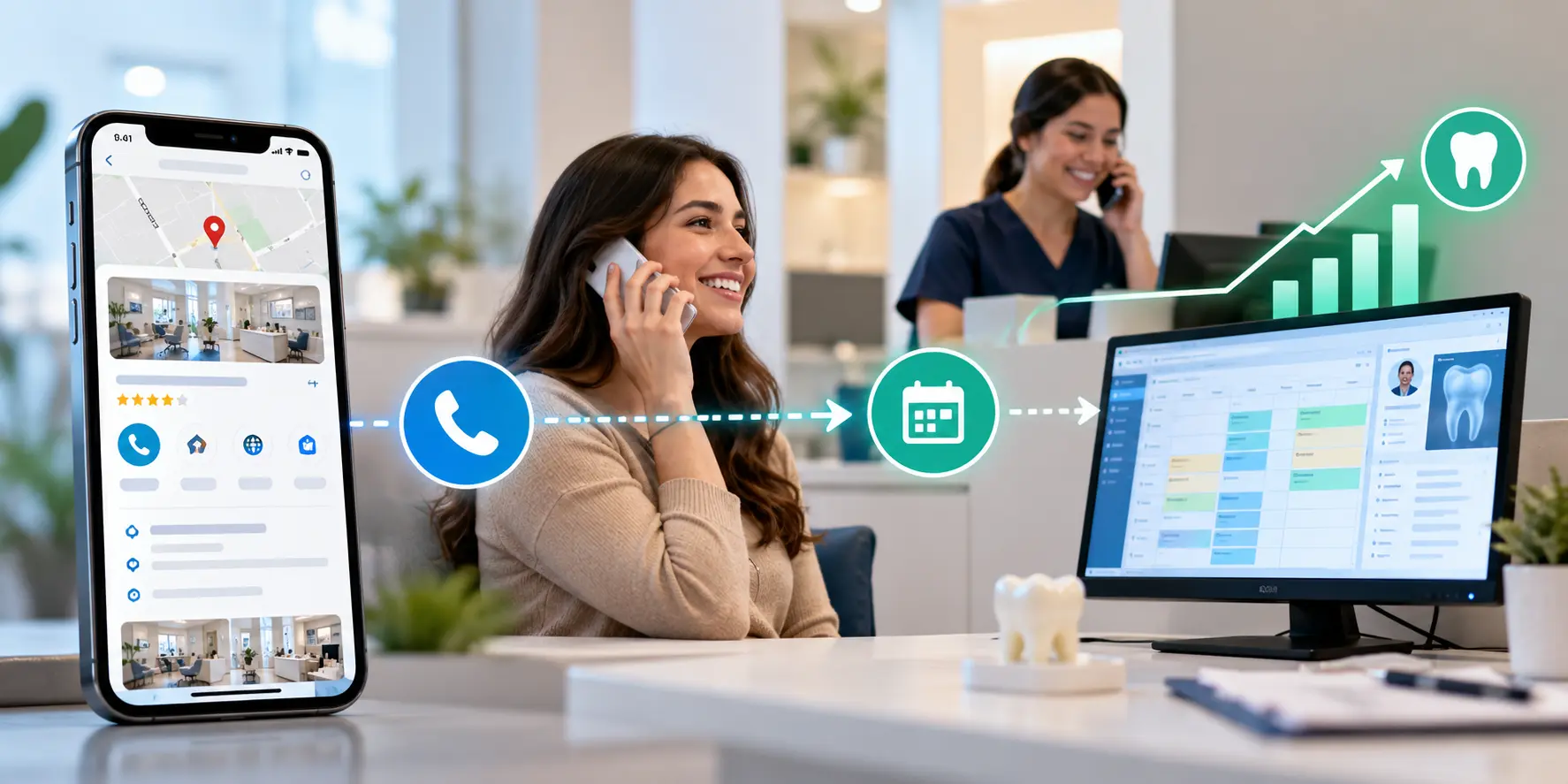
How to connect Google Business Profile call tracking with PMS data to see which calls turn into booked patients and realized production.
Sign Up Now & Someone from Our Team Will Be in Touch Shortly!
Use the form below to send us a message, and we’ll get back to you as soon as we can.
.webp)
Track every marketing dollar and optimize patient conversions with ConvertLens. Gain valuable insights from your campaigns, ensuring you never miss a potential patient. Maximize ROI and grow your practice effortlessly.
-p-500.webp)